
 Image 1 of 3
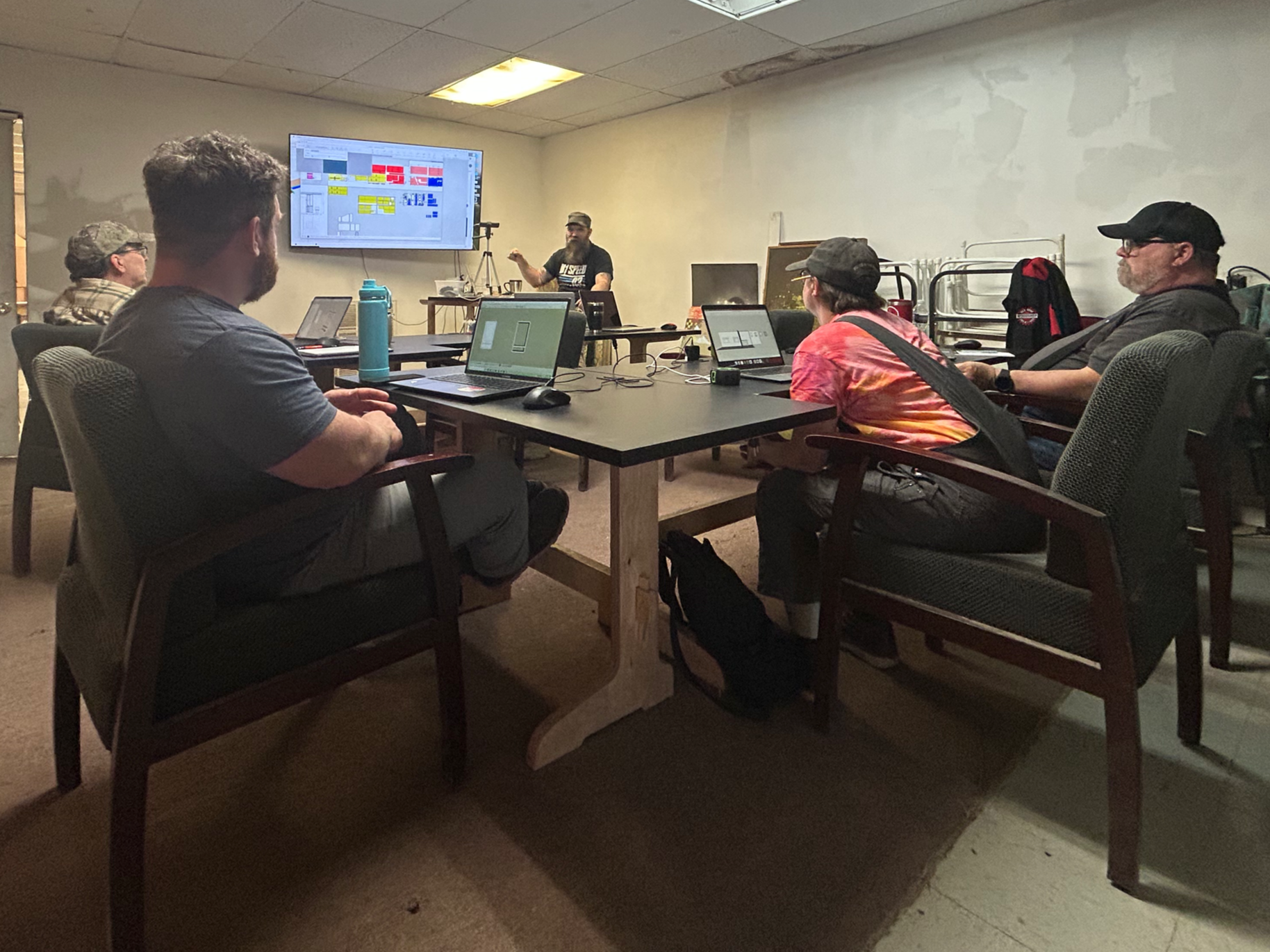 Image 2 of 3
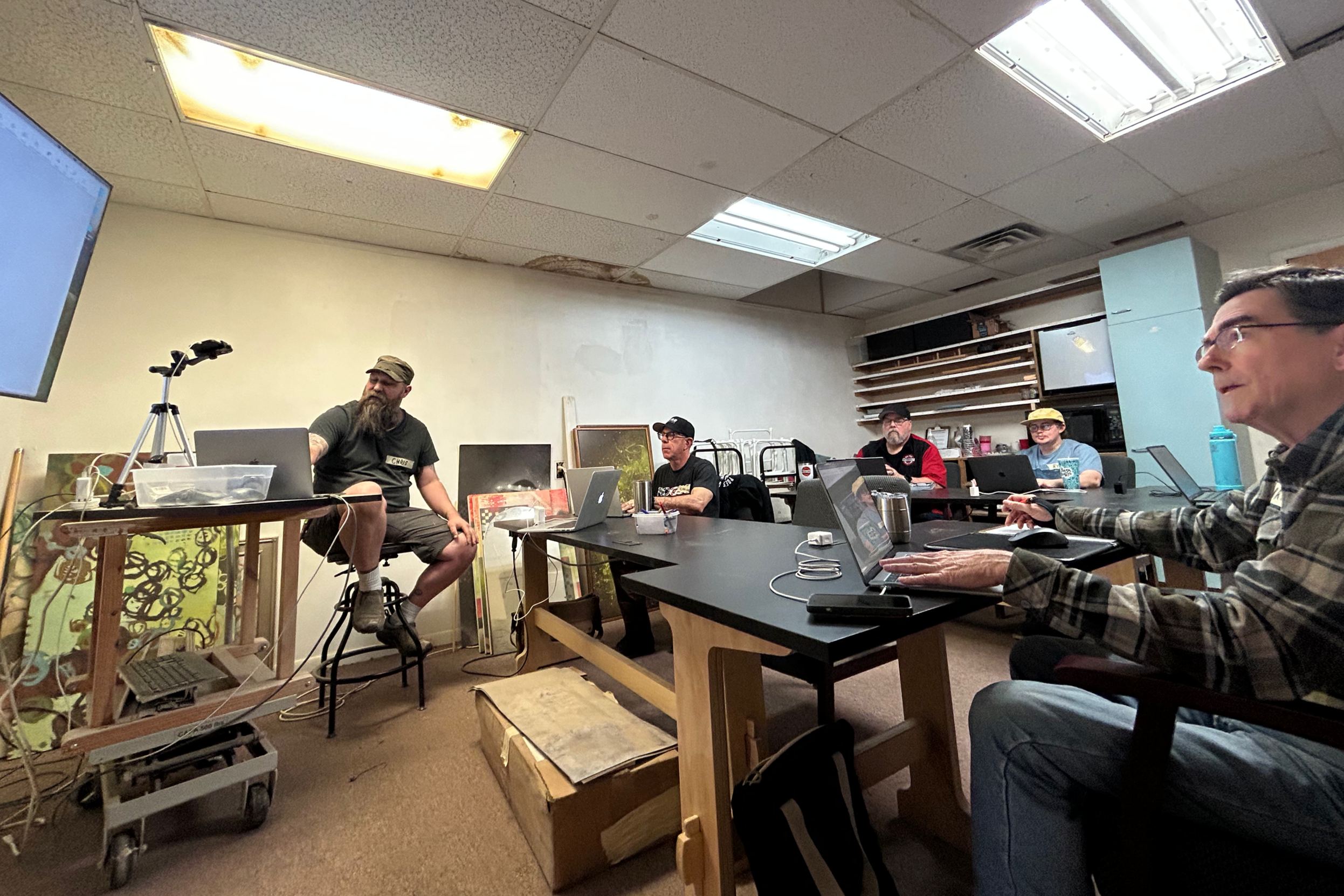 Image 3 of 3
Introduction to Sketchup, Wednesday 9/16 4-6pm, and Thursday 9/17 4-6pm
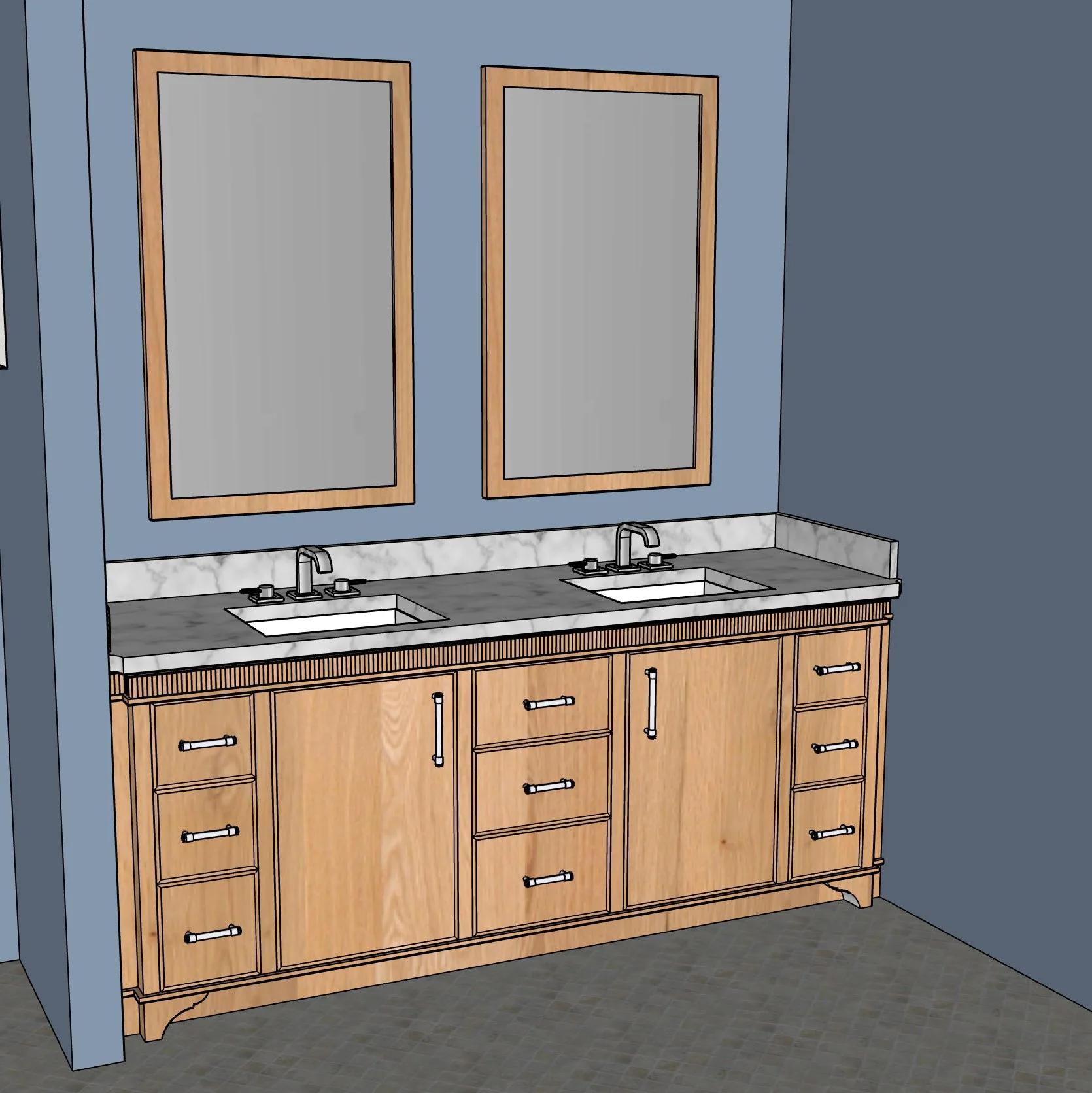
This is a two day class, providing a crash course in Google Sketchup - a free 3D design program. On night one, we'll discuss 2D and 3D design techniques, getting to know the Sketchup program and helpful tools to use it. On night two, we'll review from night one, and then explore some more complex tools and techniques like using the "Follow Me" tool to create moldings and turnings, creating components, and making the most of the paint and textures feature to make your drawings as realistic as possible. We'll also discuss trouble shooting technique along the way to get you out of some of Sketchup's hang-ups. NOTE: Please plan on bringing a lap top with equipped with one of the following options:
1) If you already have a downloaded version of Sketchup Pro, fantastic - any version will work for this class. If you are currently using the online version of Sketchup (Sketchup Free), I highly recommend doing a 30 day Free Trial, so you have access to a downloaded version of Sketchup. The Sketchup Free program is more limited and harder to navigate, and most importantly, the tool layout is vastly different from the downloaded version, so it will be much harder to follow along in the class. To download Pro for the 30 day trial, click "Try Sketchup" and follow the prompts to get set up.
2) Sketchup Go for iPad will work, but there are some differences between this format and the Sketchup Pro version that we'll be using to teach. You'll definitely want an auxiliary keyboard and mouse (mouse options described below).
3) Create an account on their website and use the free online version. As described above, this options has many limitations and is not recommended, but ultimately it will work for the class.
https://www.sketchup.com
We have a limited availability of extra laptops if you need one, but please let us know ASAP to reserve one. Also, if you don't already have one, a three button mouse with a wheel like this one is extremely helpful for Sketchup use:
https://www.amazon.com/Logitech-910-001822-M510-Wireless-Mouse/dp/B003NR57BY/ref=sr_1_3?ie=UTF8&qid=1516137972&sr=8-3&keywords=logitech+mouse
I'll have a few extra mice available but they'll be limited, and Sketchup is extremely frustrating to operate using a trackpad.
CANCELATION/ REFUND POLICY: All deposits are non-refundable. For classes paid in full, a refund or credit will be provided to you, so long as notice is given via email, at least two weeks prior to the class date. Although it rarely occurs, sometimes a class doesn't reach the minimum attendance bar. If attendance isn't met 1 week prior to the class date, the class will be canceled and you will be notified. You will be given the option of either a refund or credit for another class.
Introduction to Sketchup, Wednesday 9/16 4-6pm, and Thursday 9/17 4-6pm
This is a two day class, providing a crash course in Google Sketchup - a free 3D design program. On night one, we'll discuss 2D and 3D design techniques, getting to know the Sketchup program and helpful tools to use it. On night two, we'll review from night one, and then explore some more complex tools and techniques like using the "Follow Me" tool to create moldings and turnings, creating components, and making the most of the paint and textures feature to make your drawings as realistic as possible. We'll also discuss trouble shooting technique along the way to get you out of some of Sketchup's hang-ups. NOTE: Please plan on bringing a lap top with equipped with one of the following options:
1) If you already have a downloaded version of Sketchup Pro, fantastic - any version will work for this class. If you are currently using the online version of Sketchup (Sketchup Free), I highly recommend doing a 30 day Free Trial, so you have access to a downloaded version of Sketchup. The Sketchup Free program is more limited and harder to navigate, and most importantly, the tool layout is vastly different from the downloaded version, so it will be much harder to follow along in the class. To download Pro for the 30 day trial, click "Try Sketchup" and follow the prompts to get set up.
2) Sketchup Go for iPad will work, but there are some differences between this format and the Sketchup Pro version that we'll be using to teach. You'll definitely want an auxiliary keyboard and mouse (mouse options described below).
3) Create an account on their website and use the free online version. As described above, this options has many limitations and is not recommended, but ultimately it will work for the class.
https://www.sketchup.com
We have a limited availability of extra laptops if you need one, but please let us know ASAP to reserve one. Also, if you don't already have one, a three button mouse with a wheel like this one is extremely helpful for Sketchup use:
https://www.amazon.com/Logitech-910-001822-M510-Wireless-Mouse/dp/B003NR57BY/ref=sr_1_3?ie=UTF8&qid=1516137972&sr=8-3&keywords=logitech+mouse
I'll have a few extra mice available but they'll be limited, and Sketchup is extremely frustrating to operate using a trackpad.
CANCELATION/ REFUND POLICY: All deposits are non-refundable. For classes paid in full, a refund or credit will be provided to you, so long as notice is given via email, at least two weeks prior to the class date. Although it rarely occurs, sometimes a class doesn't reach the minimum attendance bar. If attendance isn't met 1 week prior to the class date, the class will be canceled and you will be notified. You will be given the option of either a refund or credit for another class.